The User Guide
Everything the app does, in the order you'll want it. Ten minutes end to end — or skip to the part you came for.
01Put it on your home screen
TherapyLog runs in your browser, and it installs to your home screen from there — real app icon, full screen, no address bar, dose reminders. There is no App Store or Play Store listing to hunt for, and nothing to download. That's deliberate: a store listing would mean cutting the compound information this app exists to provide.
One honest limitation of dose reminders: because TherapyLog is a web app, its reminders can only fire while the app is open on your screen. For reminders that always fire — phone locked, app closed — use Health → Protocol → Reminders → Export to Calendar once: it hands your dose schedule to your phone's own calendar, and iPhone or Android takes care of the alerts from there. Update it whenever your protocol changes.
iPhone & iPad
- Open therapylog.app/app in Safari. Chrome on iOS can't install home-screen apps.
- Tap the Share button (the square with the arrow).
- Scroll down, tap Add to Home Screen, then Add.
Android
- Open therapylog.app/app in Chrome.
- Tap the ⋮ menu.
- Tap Install app (or Add to Home screen).
You never update it manually. The app checks for a new version each time you open it and refreshes itself in the background. If you want to force it, close it completely and reopen.
02Your license key
If you subscribed to Pro or BYOK, your purchase email contains a key that looks like TL-4RT9-K2MX-8QN3. Paste it into the app once and it unlocks on that device. Buying on the web usually activates itself the moment you land back in the app — the key matters later, when you move to a new phone.
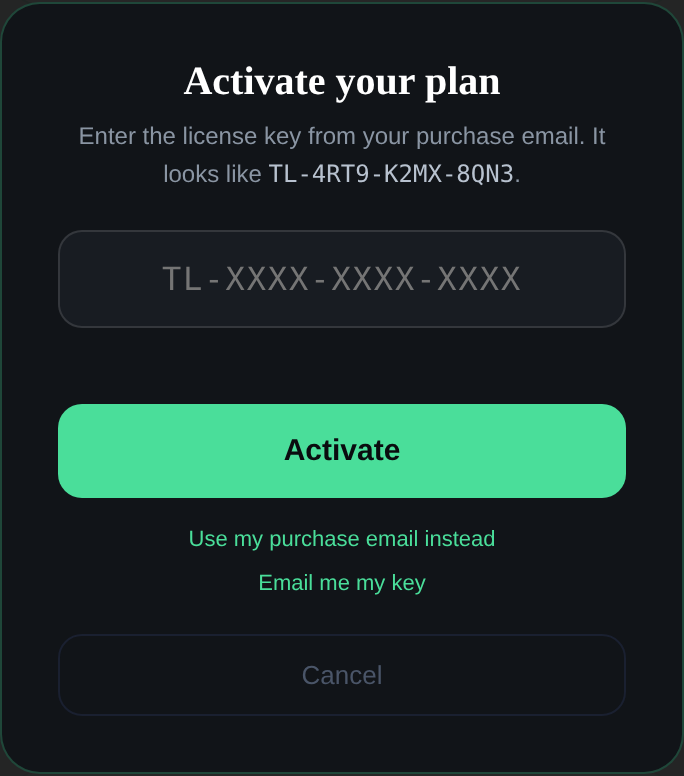
Save the key in your password manager, or keep the purchase email. You'll need it when you replace or reset your phone — the key is how a new device knows what you bought. Losing it isn't fatal (we can look you up by your purchase email), but having it makes a new phone a thirty-second job.
03The five tabs
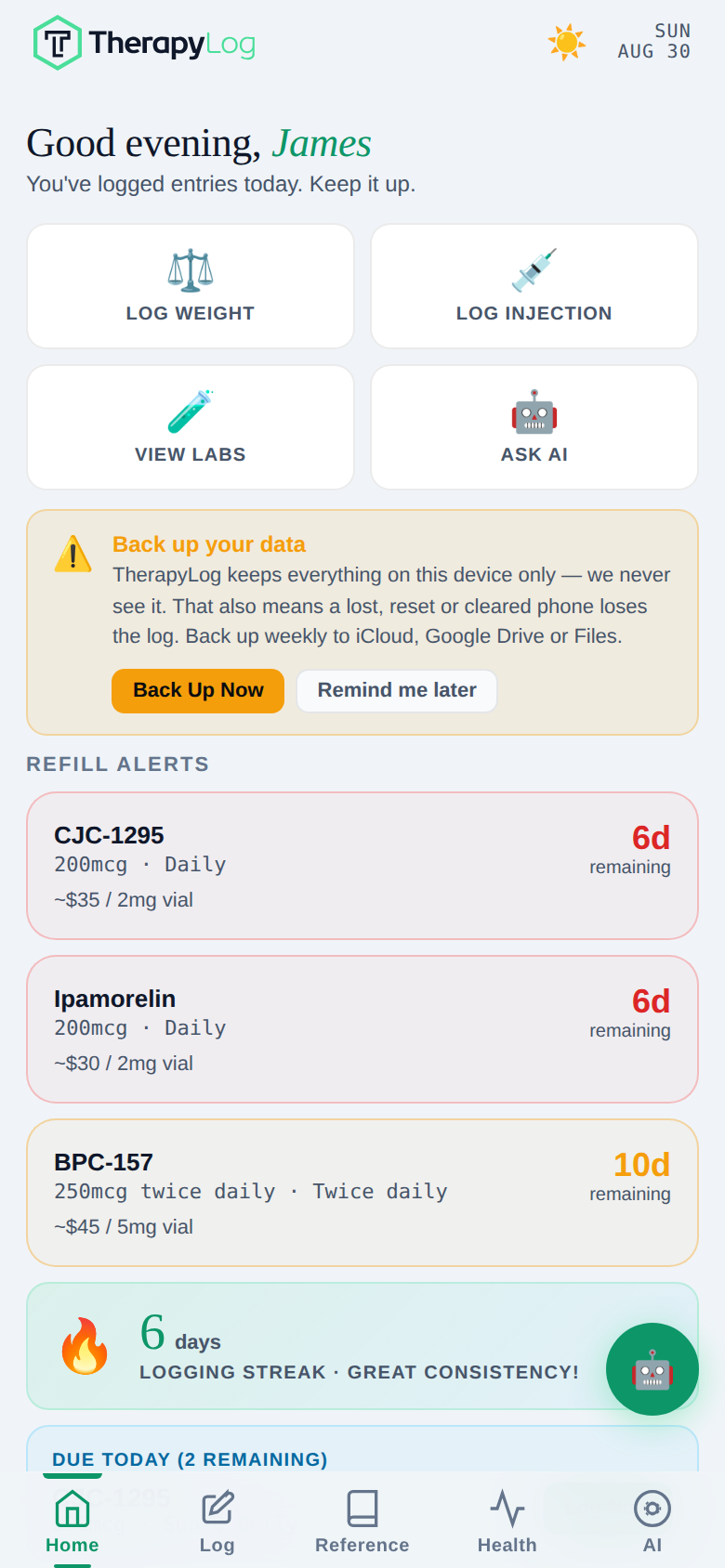
Everything lives behind the five buttons along the bottom.
04Logging a dose
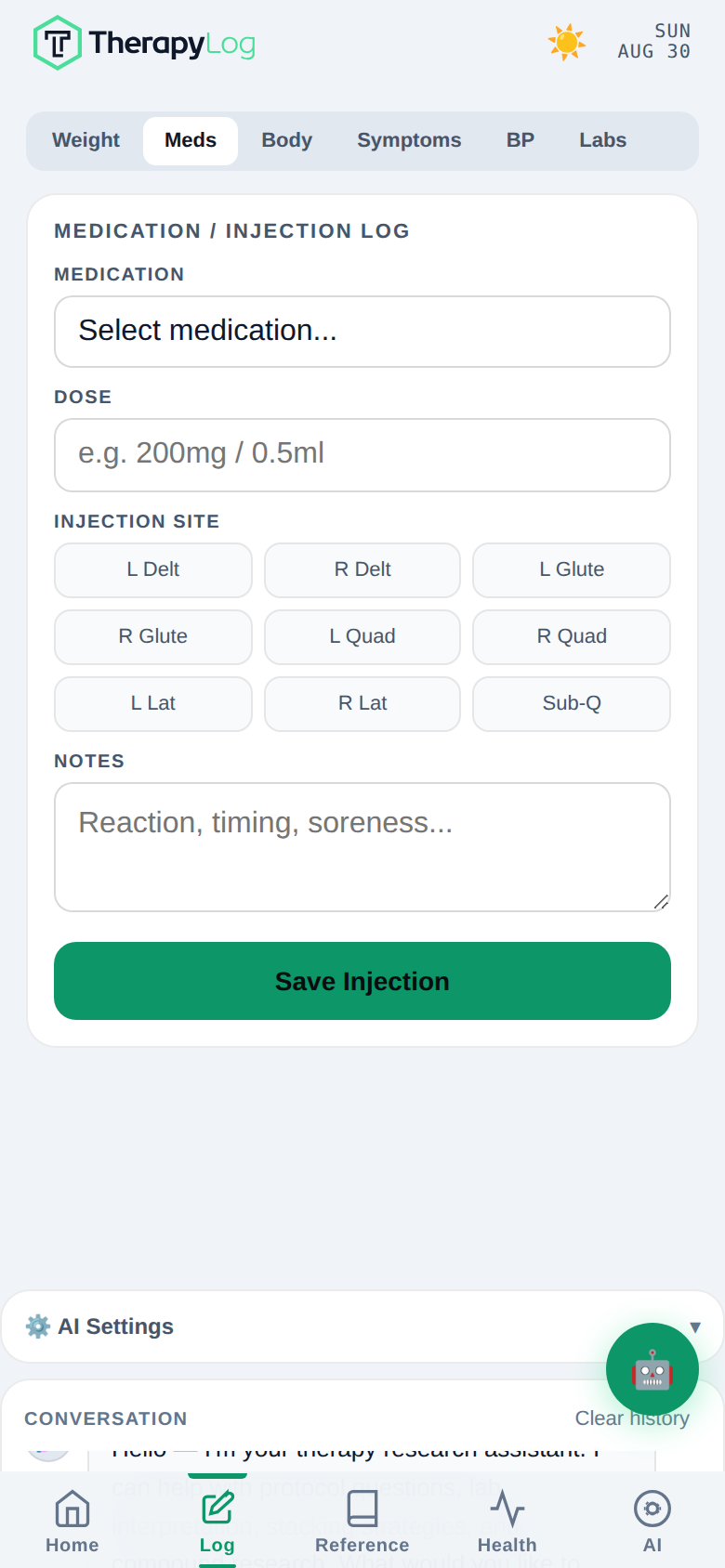
Log → Meds. Pick the compound, the dose, and the site. The app remembers what you logged last time, so the second entry onward is two taps.
- Reconstituting a peptide? Reference → Tools & Calc does the bacteriostatic-water maths and draws the syringe, so you can check the mark before you draw. Common vial presets (5mg/2ml, 10mg/1ml and the rest) are one tap. The same calculators are on the web with no account, with the formula written out: reconstitution, insulin syringe units, the combined draw planner, half-life and steady state, testosterone dose and free testosterone. Full list at therapylog.app/tools.
- Refill alerts come from your logged doses and vial size. Log consistently for a week and the countdowns on Home become accurate.
- Missed a day? Back-date it. Tap the date field at the top of the entry.
05Getting your labs in
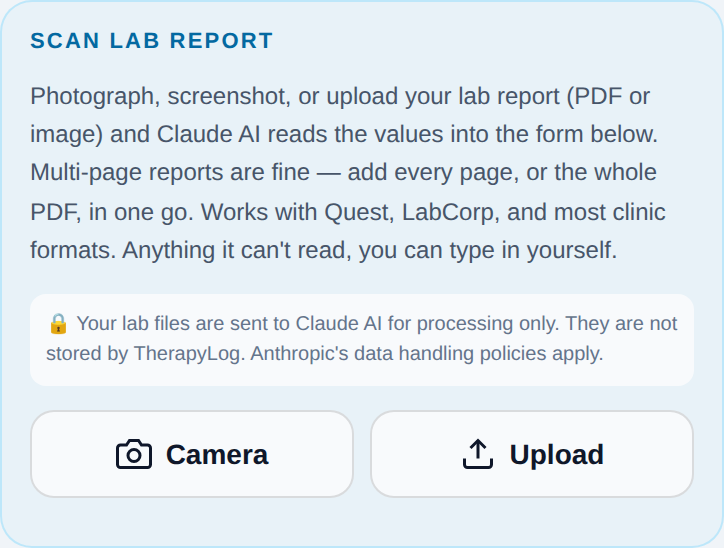
This is the part people underuse. Log → Labs. You do not have to type a hundred numbers.
The scanner
- Add every page. A twelve-page LabCorp PDF can go in as one file; a phone photo set can go in as twelve images. Queue them all, then scan once.
- It reads the lab's own reference range off the page and uses that instead of ours whenever it's printed — your lab's range for your assay beats a generic one.
- It won't guess. A marker it can't confidently identify is listed as unrecognised rather than mapped to something that looks similar. That's on purpose: a wrong marker is worse than a missing one.
- Check before you save. The values land in the form for you to eyeball. Fix anything that looks off, then save.
Typing it in
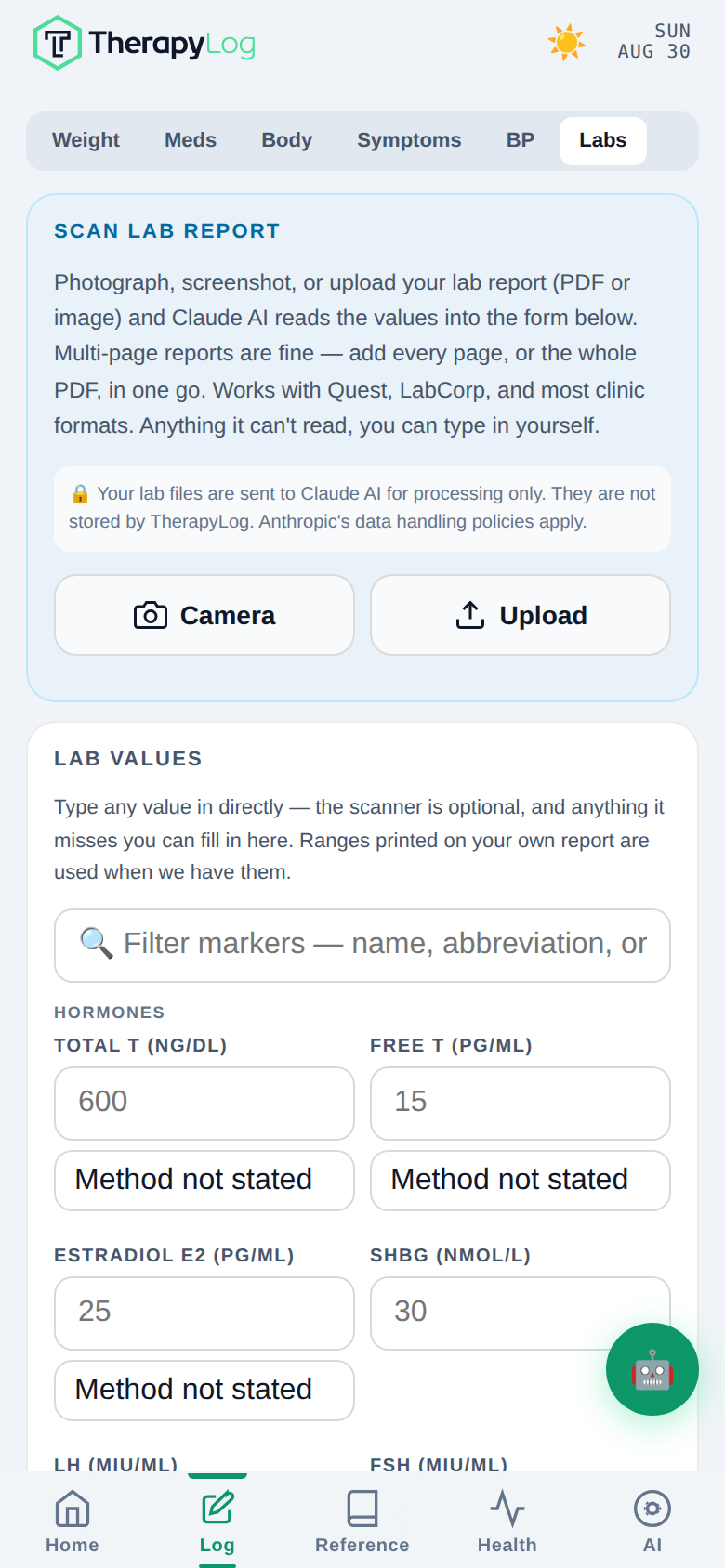
- Anything the scanner missed, type in. Same form, same trends, no difference downstream.
- Units are switchable per marker — ng/dL or nmol/L for testosterone, pg/mL or pmol/L for estradiol. Pick what your lab printed; the app converts for the charts.
- Assay matters and the app asks. Sensitive (LC/MS-MS) estradiol and standard immunoassay estradiol are not the same measurement, and mixing them makes a trend line lie. Where it matters, there's a picker — set it to what your lab ran.
- A marker we don't have? Add it as a custom row. It charts like the rest.
06Reading your trends
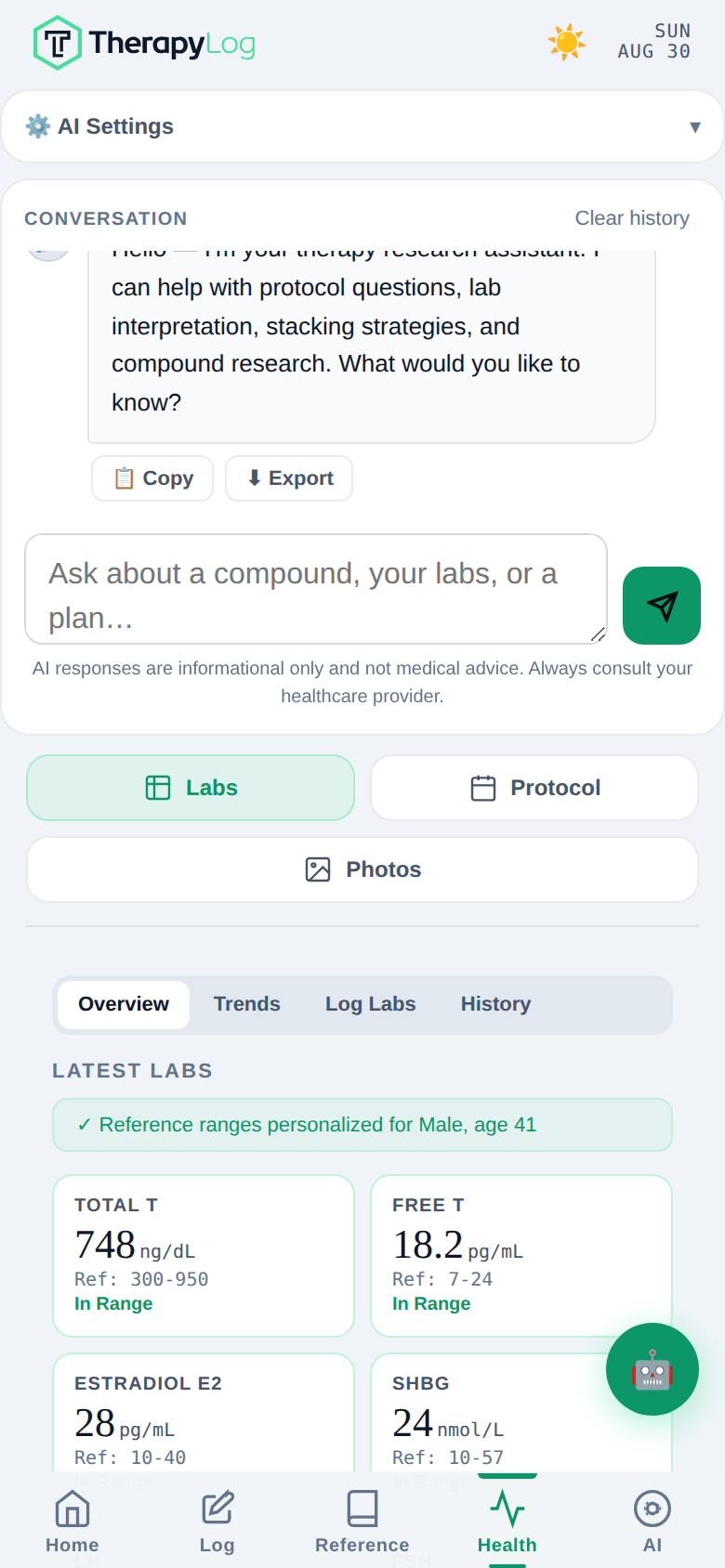
Health → Labs. Green is inside range, red is outside. The range is personalised to the age and sex in your profile, so fill that in — it changes what counts as flagged.
- Overview is the latest panel. Trends charts any marker over time. Log Labs is the entry form again, and History is every panel you've entered.
- Optimal bands are shown separately from your lab's reference range, and they are not diagnostic — they're where a lot of practitioners aim, which is a different question from whether a value is abnormal.
- Two panels is a trend, one is a data point. The charts get useful at the second draw.
- Clinical report — AI → Profile → Generate Clinical Report — turns your log into something you can hand to a doctor: protocol, dose history, lab trends, body composition, adherence. Generate it the night before an appointment.
07Asking the AI well
The assistant already knows your logged protocol and your labs. You don't need to paste your numbers in — ask about them directly.
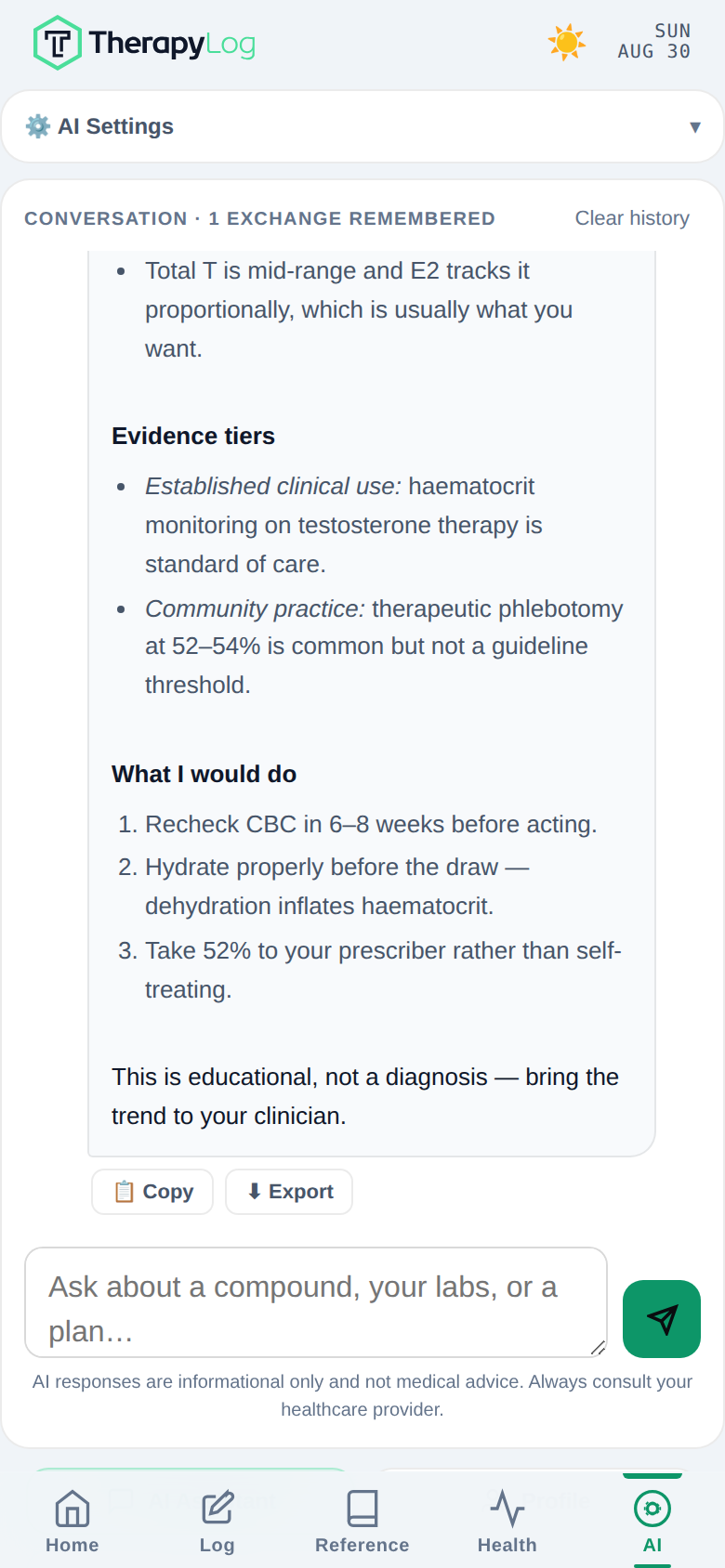
Two things are worth knowing about how it's built, because they change how you should ask:
- It searches before it states. It can run up to three literature searches per question, against PubMed, ClinicalTrials.gov, DailyMed, Cochrane, the major journals and a set of clinical references. Ask it to cite and it will.
- It answers short by default and offers to go deeper, because most questions asked from a phone want the answer, not an essay. If you want the essay, say so in the first message.
Ask for the depth up front
tell me about tesamorelin
You'll get three tight paragraphs and an offer to expand. Fine if that's all you wanted; a wasted question if it isn't.
Search the literature and give me the full picture on tesamorelin: mechanism, documented dosing ranges, half-life, the realistic side-effect and risk profile, key interactions, and the bloodwork I should be monitoring. Label every claim as established clinical use, off-label or community practice, or animal-only. Cite what you find.
Names the sections you want, asks for the evidence tiering, and triggers the searches. This is the single highest-value habit in the whole app.
Use your own data
Look at my last three lab panels and tell me which markers are trending in a direction I should be watching. For each one, say whether the change is likely protocol-related, and what I should raise with my prescriber.
No numbers pasted. It reads your panels itself, and it tells you which markers were not tested rather than inventing them.
Plans, not just facts
Build me a 4-day upper/lower program around a healing left rotator cuff. Commercial gym, 60 minutes a session, 8-week progression. Include the movements to avoid and why, and how to know I'm pushing the shoulder too soon.
Constraints — days, equipment, time, injury, length — are what turn a generic plan into a usable one.
I'm 5'11", 205lb, on a GLP-1 at 1mg weekly, lifting 4×/week. Give me a protein and calorie target for preserving lean mass while losing fat, and three days of example meals that hit it. Flag anything that gets harder on a GLP-1.
Give it your stats and your protocol and it works from them rather than from an average person.
Follow up narrowly
It remembers the conversation, so follow-ups can be short. Good ones: "Which of those claims are animal-only?" · "What's the monitoring schedule for that?" · "Give me the study details on the second point." Use Clear history when you change topic — a stale thread pulls answers back toward the old subject.
It won't invent a dose or a study, and it says so when the evidence is thin. It won't help you synthesise or home-brew raw materials. And it won't prescribe — for anything injected, any dose change, any protocol decision, it lays out what's known and tells you to set it with a provider and bloodwork. That's the deal, and it's why you can trust the rest of what it says.
08Making your questions count
On Pro you get 50 questions a month, resetting on the 1st. One send is one question, however long it is — so the shape of your asking matters more than the length.
The habits that stretch it
- Bundle. Number your sub-questions in one message instead of sending four. Same cost, and the answer is more coherent because it sees the whole picture.
- Say how deep, and in what shape. "Full mechanism, dosing by evidence tier, monitoring schedule, cite sources" gets you in one question what three rounds of "tell me more" would cost.
- One or two compounds per question. An answer has a length ceiling and only three searches to spend. Eight compounds at once gets you eight thin paragraphs; two gets you two good ones.
- Let it read your log. Asking it to look at your panels is free and better than pasting numbers you might mistype.
- Save the good ones. Copy or Export an answer worth keeping and you'll never pay for it twice.
- Check the encyclopedia first. Dose ranges, half-lives, interactions and monitoring for all 131 compounds are already in Reference, free and offline. Ask the AI the questions the encyclopedia can't answer — the ones about you.
You'll be told which limit you hit and when it resets. Adding your own Anthropic API key in AI Settings switches you to unlimited immediately, on any plan.
09Backing up
We never see your data. That's the point of the app, and it's also the one thing that asks something of you: your log lives on this device only. A lost, reset, or wiped phone loses it.
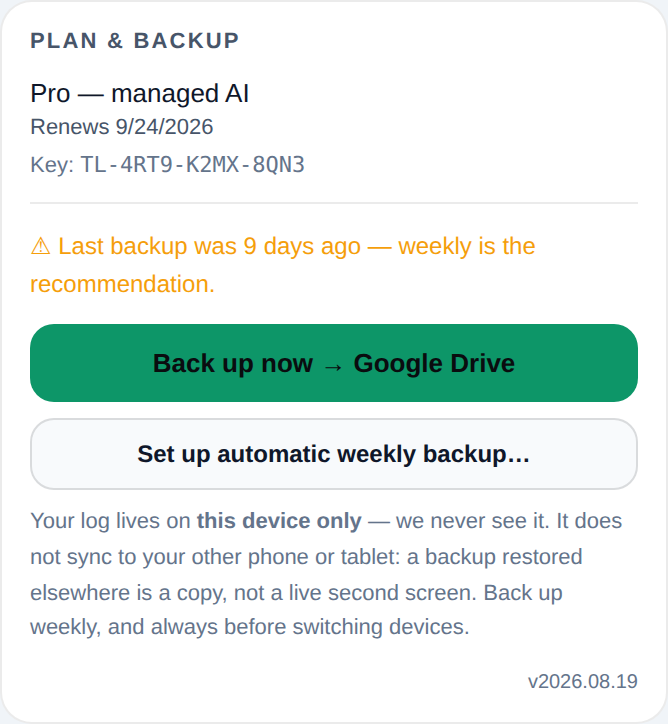
- Back up weekly. That's the recommendation and what the reminder is set to. Tap Back up now and pick your cloud — iCloud Drive and Files on iPhone, Google Drive on Android, anywhere you like on a desktop.
- Always back up before switching devices, and before a phone reset or an OS upgrade.
- On a desktop, Set up automatic weekly backup links a file once and then rewrites it in place — no prompt after the first time.
- Restoring is the same card, in reverse: pick the backup file and it loads. A restore on a second device gives you a copy of the log, not a live second screen.
10What it doesn't do
Worth knowing up front, so nothing surprises you later.
- No account, no login. There's nothing to sign into because there's no server holding your data. Your license key unlocks features; it doesn't store a log.
- No live sync between devices. Two phones means two separate logs. A backup moves a copy; it doesn't keep them in step. Cross-device sync would require us to hold your health data on a server, which is exactly the trade this app was built to avoid.
- Not a medical device, and not medical advice. Flags, optimal bands, and AI answers are informational. Dose and protocol decisions belong with a qualified provider and real bloodwork.
- Lab files aren't stored. A scanned report goes to Claude for reading and isn't kept by us. The values it extracted stay on your device.